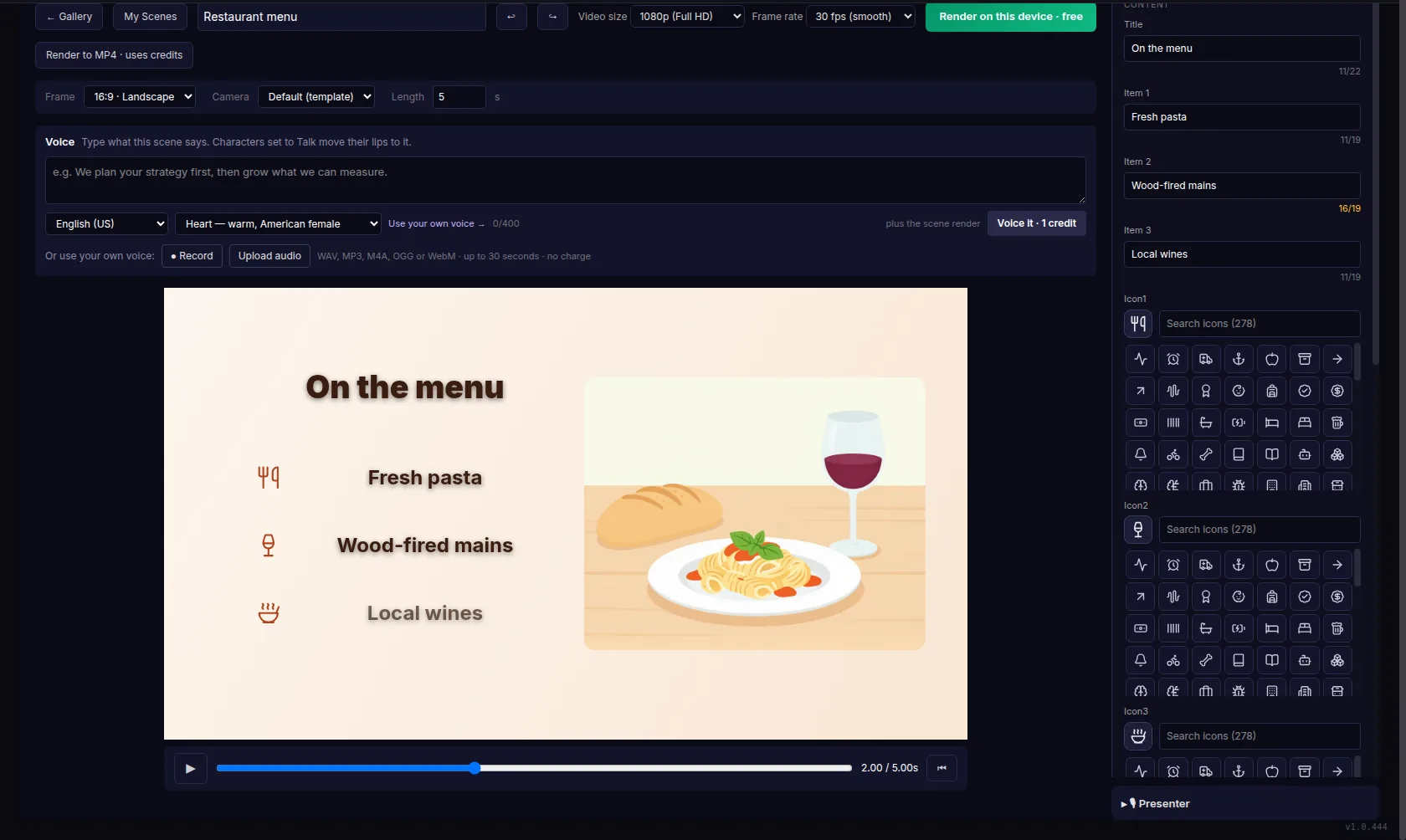
It opens the full Explaindio editor in its own app window, and renders your videos on your own computer for free. It needs an internet connection.
The desktop app is optional. Everything in Explaindio 5 AI works in your web browser; this is an extra for those who want it.
The first time you open it, Windows may show a blue window that says Windows protected your PC, with an unknown publisher. Click More info, then Run anyway. This version isn't signed, so Windows doesn't recognize the publisher. See the steps
The first time you open it, your Mac may say the app can't be opened because Apple cannot check it. Click OK, then open System Settings, Privacy & Security, and click Open Anyway. This version isn't signed yet, so your Mac doesn't recognize the publisher. See the steps
Before the first double-click, allow the file to run. On Ubuntu: right-click it, click Properties, and switch on Executable as Program. See the steps
Windows 10 or later (64-bit) · macOS 14 Sonoma or later · Linux (64-bit)
After installing, connect it with a desktop key from Settings. Here’s how.